

Download Online Live – Free Online TV Streaming from 100 Countries, Watch Live Channels & Radio on Windows, Mac, Android, iOS
Discover Global Entertainment with Online Live – Your Gateway to 1850+ Free TV Channels
Looking to explore international content without the hassle of subscriptions or region locks? Online Live offers a compelling solution for global entertainment seekers. This powerful streaming tool grants access to over 1,850 free online TV channels from more than 100 countries, making it one of the most extensive free streaming platforms available.
Whether you're passionate about news, sports, music, or cultural programming, Online Live brings the world to your screen. From popular satellite channels in Europe and Asia to niche regional broadcasts in Africa and South America, the diversity of content is impressive. The platform also includes a wide selection of documentaries and films—though many of these require a paid subscription for full access, the live TV channels remain completely free.
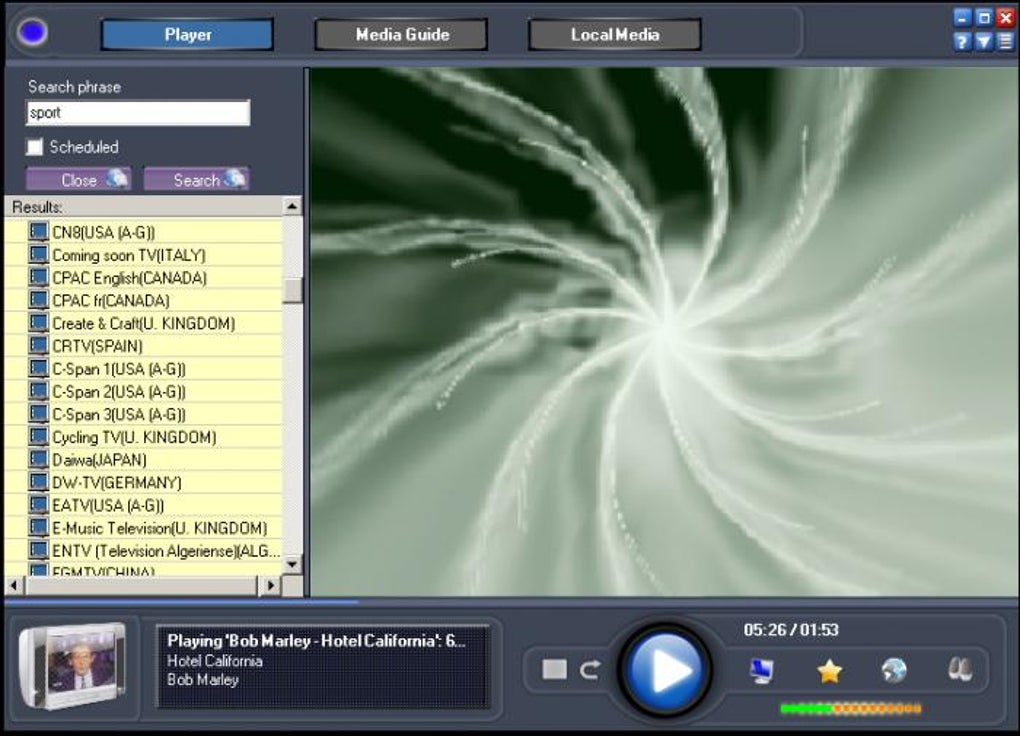
One of the standout features is the built-in media player, which uses Windows Media Player as its core playback engine. While this ensures compatibility with most Windows systems, users on Mac or mobile devices may need additional plugins or workarounds. The software automatically prompts users to install missing components, which helps reduce technical friction.
Full-screen viewing is just a double-click away, making it convenient for immersive experiences. Despite its strengths, Online Live isn’t without flaws. The interface lacks a “go-back” button, and right-click functionality is disabled during playback.
Even more frustrating, there’s no pause button while watching live streams—something that significantly hampers usability. However, the overall design has improved from earlier versions, offering a cleaner layout and smoother navigation, which enhances the user experience for casual viewers.
Key Features & Capabilities of Online Live – What You Can Expect
Online Live stands out due to its vast content library and ease of access. Here’s what the platform offers:
- 1,850+ Free TV Channels from over 100 countries, including news, sports, entertainment, and educational programming.
- Live Streaming Support with real-time broadcast access, ideal for following global events, sports matches, and breaking news.
- Documentaries & Films Library – a curated selection of high-quality content, though most require a subscription to view fully.
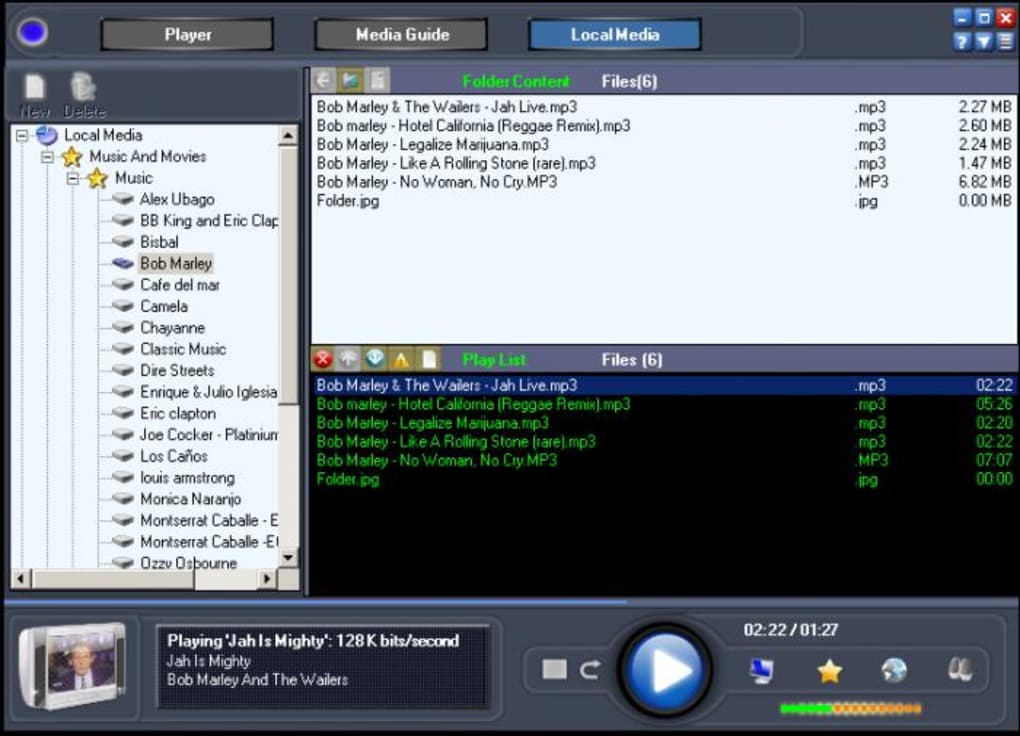
- Radio Channel Integration – stream over 200 international radio stations across genres like pop, jazz, classical, and talk shows.
- Windows Media Player-Based Playback – ensures stable playback on Windows systems with automatic plugin detection.
- Full-Screen Mode – activate with a simple double-click for an immersive viewing experience.
- Simple Interface – redesigned for better navigation, though it still lacks advanced features like search filters or favorites.
Despite these strengths, the software’s limitations are evident. There is no built-in update mechanism, meaning users must manually check for new versions on the official website. This poses a security risk over time, as outdated software may contain vulnerabilities.
Additionally, the lack of a pause function during live streams can be a major inconvenience, especially for viewers in different time zones. The absence of a “go-back” button also makes navigation cumbersome. Still, for users seeking a free, no-frills way to watch international television, Online Live delivers value—especially when paired with a high-speed internet connection.
Installation, Usage & Compatibility Across Devices
Installing and using Online Live is straightforward, particularly on Windows systems. The download is free and available directly from the official website. Once downloaded, the installer runs smoothly, guiding users through setup with minimal technical jargon. During installation, the software checks for required components like Windows Media Player or codecs. If any are missing, it prompts users to install them automatically, reducing setup friction.
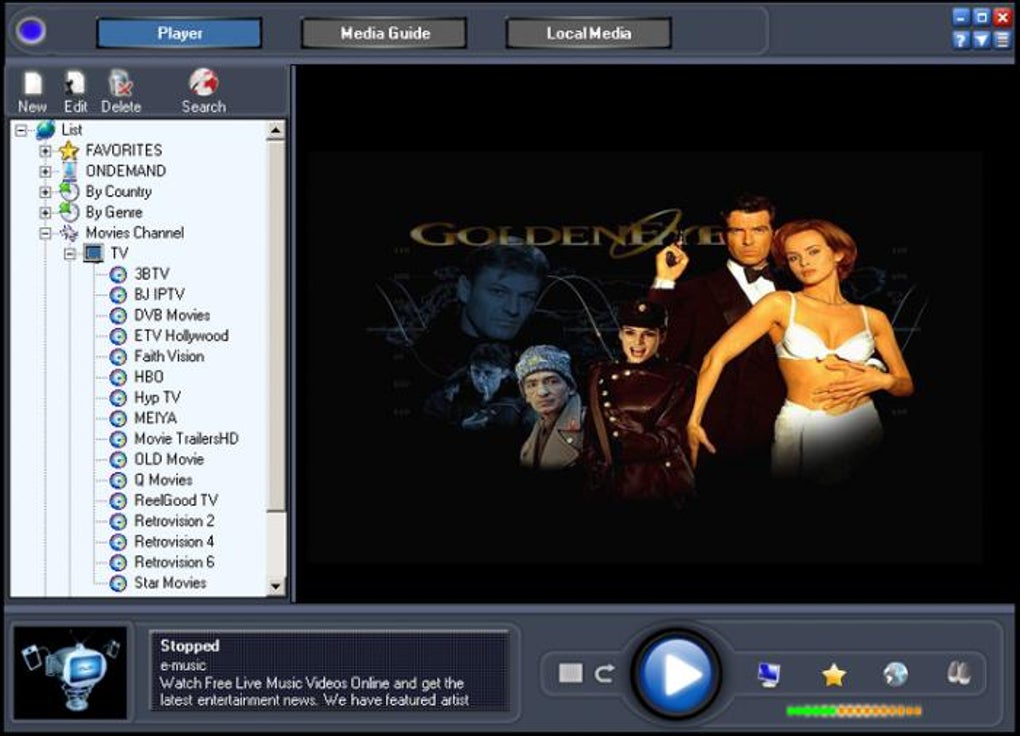
After installation, launching the app opens a clean interface displaying categorized channels—by region, genre, or language. Users can browse through the list and click to start streaming. The playback quality depends heavily on your internet speed; for optimal performance, a connection of at least 10 Mbps is recommended.
Lower speeds may result in buffering or reduced resolution. While the app is primarily designed for Windows, there are unofficial versions and third-party tools that allow it to run on Mac via emulation or compatibility layers. For mobile users, Android and iOS versions are not officially supported, but some users have reported success using web-based alternatives or screen mirroring techniques.
For best results, ensure your system meets the minimum requirements: Windows 7 or later, 2 GB RAM, and a modern graphics card. The app is lightweight and doesn’t consume excessive system resources, making it suitable for older machines. However, due to its reliance on legacy playback technology, it may not support newer video formats like HEVC or AV1. Users should also be cautious about third-party downloads—only use the official site to avoid malware or bundled software.
Pros, Cons & User Experience: A Balanced Review
Every software has its strengths and weaknesses, and Online Live is no exception. Below is a detailed breakdown of what users appreciate—and what could be improved.
Pros:
- Access to over 1,850 free TV channels from 100+ countries.
- Free to download and use with no hidden fees.
- Improved interface compared to previous versions.
- Supports live streaming with full-screen mode and minimal lag on fast connections.
- Includes radio channels and a selection of documentaries and films.
Cons:
- No pause or go-back functionality during live streams.
- Right-click disabled during playback, limiting user control.
- No automatic update feature—manual checks required.
- Security concerns due to outdated code and lack of regular patches.
- Limited mobile support (no native Android or iOS apps).
While the user experience has improved, the lack of essential features like pause and navigation tools can frustrate regular users. The absence of updates also raises long-term reliability concerns. That said, for occasional viewers who value free access to global content, Online Live remains a viable option—especially when used responsibly and on secure networks.
Frequently Asked Questions (FAQ)
- Is Online Live free to download and use?
-
Yes, Online Live is completely free to download and use. You can access over 1,850 live TV channels without any subscription fees. However, some films and documentaries may require a paid subscription for full access.
- Does Online Live support Mac and mobile devices?
-
Online Live is officially designed for Windows. While there are no native versions for Mac, Android, or iOS, some users have managed to run it on Mac using compatibility tools. Mobile access is limited and typically requires web-based alternatives or screen mirroring.
- Why does Online Live require Windows Media Player?
-
Online Live uses Windows Media Player as its core playback engine, which ensures broad compatibility with video formats. The app automatically detects missing components and prompts users to install them, helping maintain smooth playback on Windows systems.
- Can I pause live TV streams in Online Live?
-
No, Online Live does not offer a pause function for live streams. This is a significant limitation for users who want to take breaks or catch up later. The lack of a go-back button also makes navigation difficult during playback.
- Is Online Live secure to use?
-
While the official download is safe, the software lacks automatic updates and may contain outdated code, which could pose security risks over time. We recommend downloading only from the official site and using a firewall or antivirus for added protection.
Final Verdict: Is Online Live Worth Your Time?
Online Live is a solid choice for users who want to explore international television without paying for subscriptions. With over 1,850 free channels across 100 countries, it offers unmatched variety and accessibility. The improved interface and full-screen mode enhance the viewing experience, and the inclusion of radio stations adds extra value.
However, its lack of essential features like pause, go-back, and automatic updates limits its appeal for power users. Security concerns and limited mobile support are also notable drawbacks.
Download Online Live today if you're looking for a free, no-frills way to watch global TV. Just be sure to use it responsibly, keep your system secure, and pair it with a fast internet connection for the best results.







